

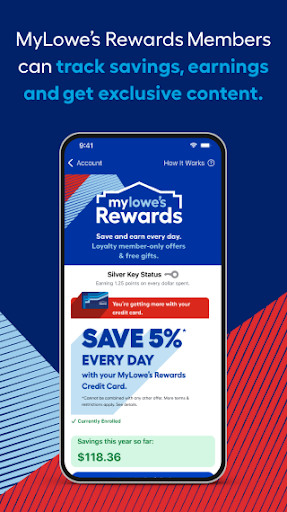
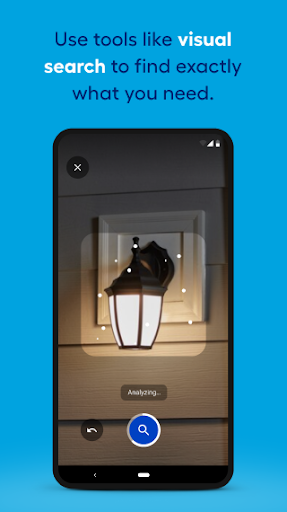
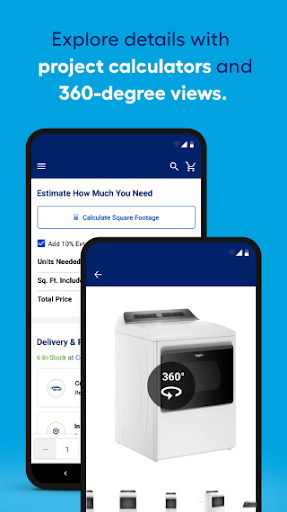
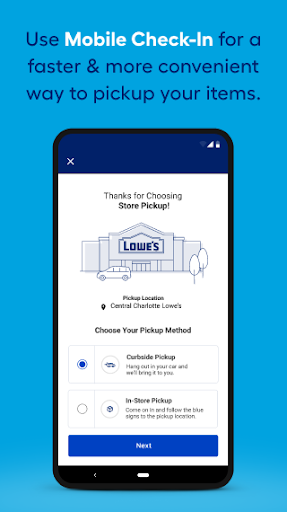
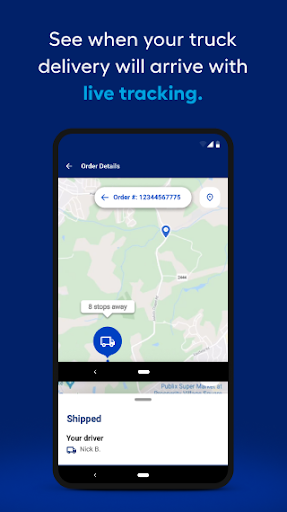
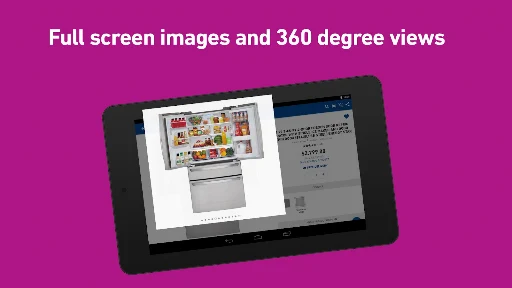
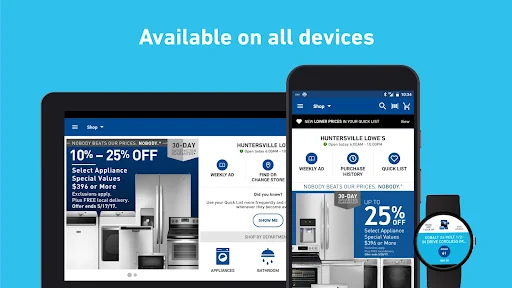
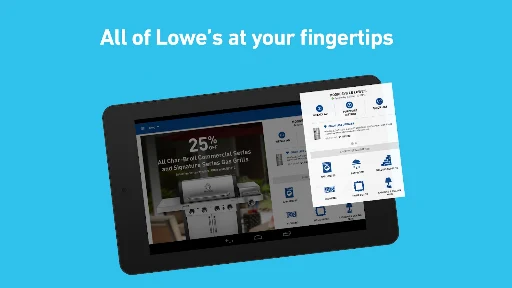
The Lowe’s app serves as a mobile platform for managing home improvement projects, allowing users to search and shop for thousands of products, including kitchen appliances, paint, lumber, and tools. It offers detailed product views with larger, zoomable images and 360° spins, helping users examine items thoroughly before making a decision. Designed for both professionals and DIY enthusiasts, the app streamlines the process of finding and purchasing materials, whether planning from home or shopping in a physical store.
Product Search and Detailed Viewing
The app enables users to browse and search a vast catalog of products, covering categories such as kitchen appliances, paint, lumber, tools, outdoor power equipment, grills, outdoor furniture, and flooring. For each item, users can access larger, zoomable images and interactive 360° spins to inspect details closely.
In-Store Assistance and Inventory Management
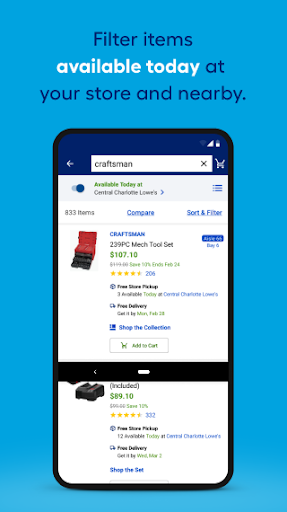
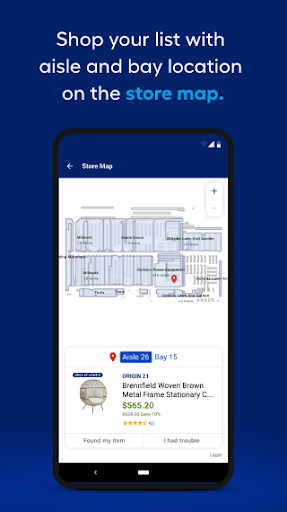
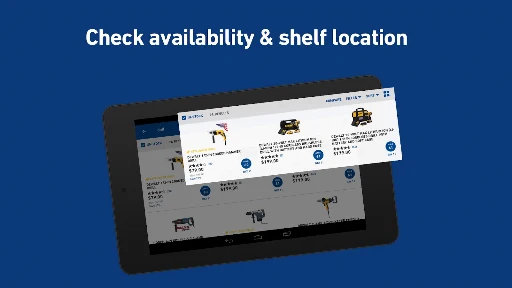
When shopping in a physical store, the app provides practical guidance. It displays aisle and bay information directly on product list pages, helping users quickly locate items. An in-stock filter allows users to view only products available for immediate pickup. If an item is not available at the current location, the app supports checking availability at other nearby stores with a single tap. The Store Finder feature helps locate the nearest store, providing its phone number, address, directions, and estimated drive time. Selecting a store allows for accurate inventory, product locations, and pricing information, though users should allow location services for the most optimized experience. Additionally, a dedicated In-Store Mode helps navigate local stores and find products efficiently.
Customer Insights and Planning Tools
Users can read customer ratings and reviews for thousands of products, offering insights from other buyers. The app also allows users to write their own reviews and upload images. A Community Q & A section facilitates asking questions and receiving answers directly from manufacturers or previous customers, as well as browsing existing questions or answering others. For project planning, the Saved Items List allows users to add any product by tapping a heart icon on a product page, scanning a barcode in-store, or adding notes, all without requiring a sign-in. Custom widgets provide quick access to the Saved List or a mylowes card, enabling shopping and checkout without needing to open the app itself.
Streamlined Purchasing and Order Management
The app supports same-day delivery for available purchases, provided the order is placed by 2 PM. Users can also pay for their purchases directly using Lowe’s Pay. To manage past purchases, the app includes a feature to find online order history by searching for the item name, order number, or text from the item description. It also provides access to Order History and digital receipts, aiming to reduce the need for paper receipts. Furthermore, users can check weekly deals and view the weekly ad for their selected Lowe’s store, either page by page or by department.







Write a review